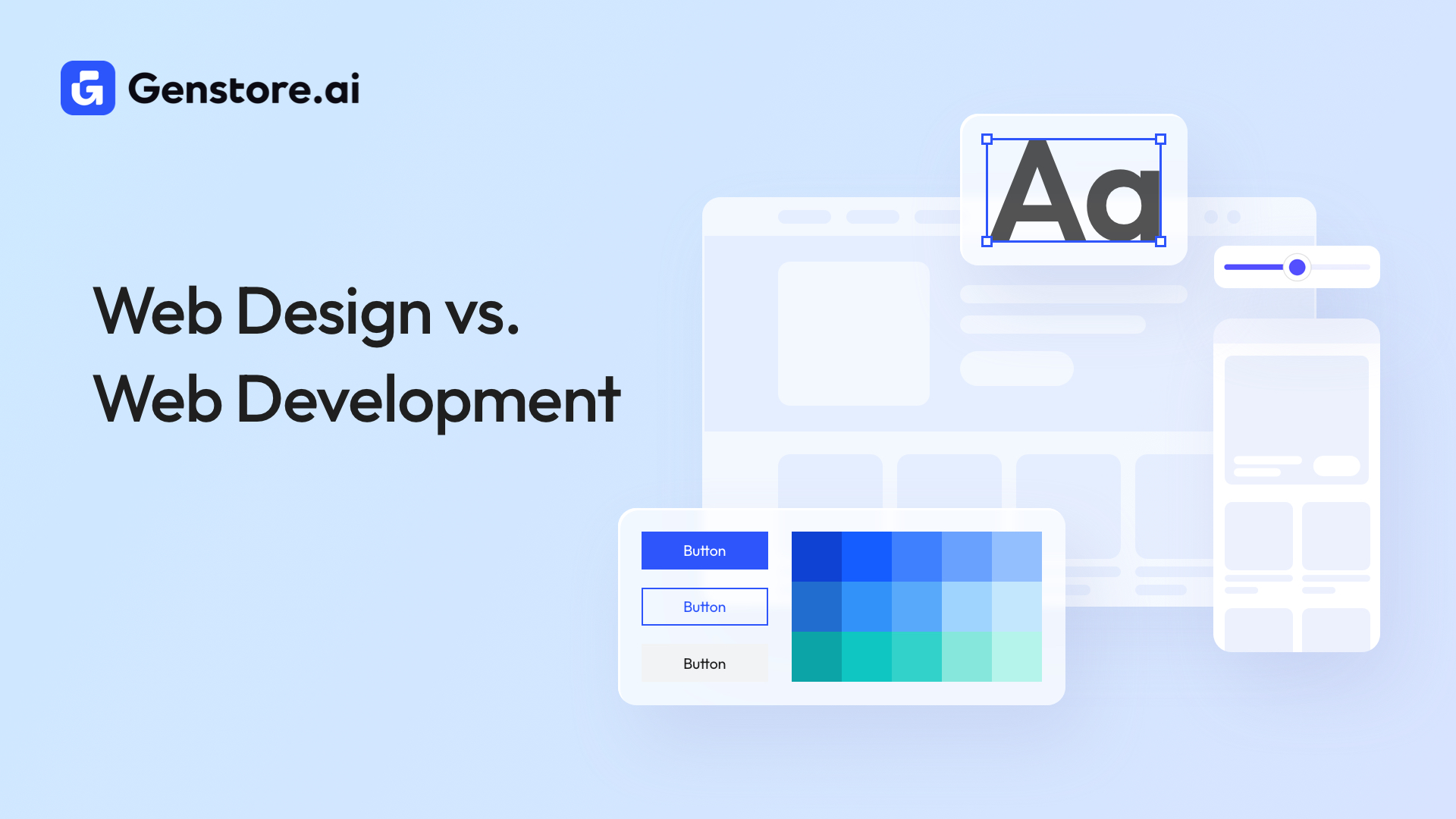
Understanding the difference between web designers and web developers is critical when building your website or online store. Both roles are connected and essential. Think of web designers as creating the blueprint, while web developers handle the construction that turns it into a finished product.
The guide breaks down the key differences of web design versus web development
What’s Web Design?
Web design focuses on how a website looks and feels, including its layout, typography, and interactive elements. They handle everything users see in their browsers, including:
- Visual style: Choosing color palettes and fonts that reflect your brand
- Design assets: Creating visual elements with tools like Figma, Adobe XD, and Photoshop
- Layout: Deciding where everything goes on each page, such as images, copy, and buttons
- Wireframes and mockups: Sketching and planning page structure before development
- User interface (UI) flow: Mapping out the user journey through your site and designing interface elements such as forms and menus
Some companies separate user experience (UX) from visual work. In those cases, a UX designer plans the user journey, while the web designer translates that plan into the visual elements people interact with. Other businesses combine both roles.
What’s Web Development?
Web developers use HTML and CSS for markup and styling, along with JavaScript for programming, to turn a static design into a fully functional website. They generally specialize in different areas, depending on which part of a website they build. Here’s a closer look at each role.
Front-End Developers
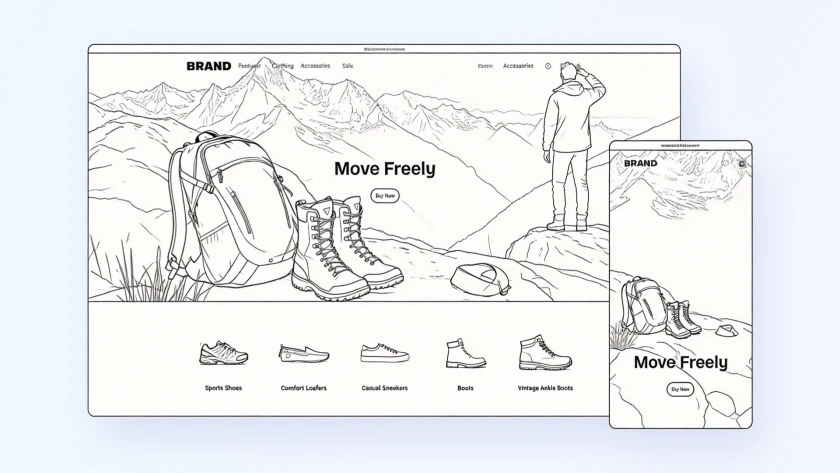
Front-end developers implement designs using code. They turn UI and UX specifications into functional, accessible interfaces using tools like HTML and JavaScript. Beyond layout and styling, they handle state, performance, and browser compatibility.
Additionally, front-end developers connect user-facing components to back-end systems, so interactions like form submissions and animations work reliably. Tools and frameworks often used include React, Vue.js, and Bootstrap.
Back-End Developers
Back-end developers handle the behind-the-scenes functionality of a website. When you submit a form, log in, and make a purchase, it’s the back-end code that processes the data and delivers the correct response. Common tools and languages include Node.js, Python, and SQL databases.
Full-Stack Developers
Full-stack developers have the skills to work on both front-end and back-end tasks. This allows them to contribute at every stage of development, from designing user interactions to managing server-side logic and databases.
What’s the Difference Between Web Design and Web Development?
Website design and development are two sides of the same coin, but they serve different purposes. Let’s dive into some key differences.
Coding
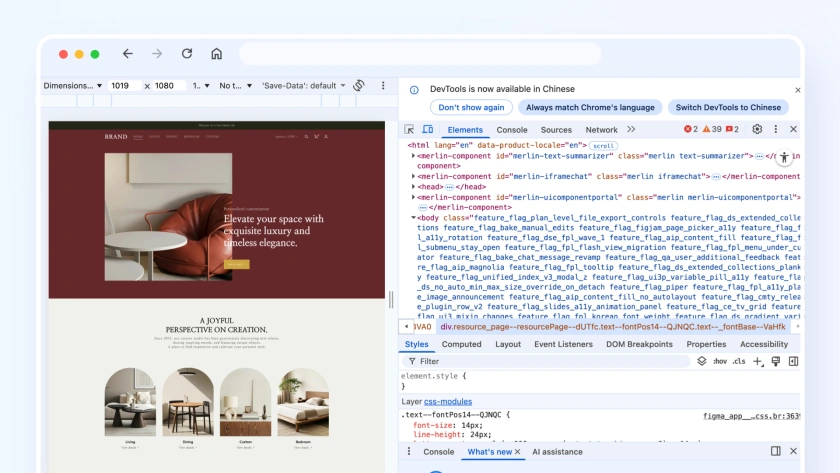
Web designers rarely work with web development tools like HTML, CSS, or JavaScript. A basic understanding of coding can help designers craft implementable designs. But programming remains the developer’s responsibility.
Compensation
The average salary for a web designer in the U.S. is a little over $55,000, while web developers earn a higher average of just under $83,000.
Tools
Web designers rely on visual design tools such as Figma and Photoshop to create mockups and prototypes. Web developers, on the other hand, use programming languages, code editors, and libraries to build interactive features and handle website functionality.
Web Designers vs. Web Developers: Similarities
They may have different specialties, but web designers and developers have a lot in common, too. Here are some shared traits.
Problem-Solving
Both writing code and designing require creative problem-solving. Finding the simplest way to guide users through the checkout process demands the same logical thinking and creativity as writing a fast algorithm.
Continuous Learning
Technology moves fast. While web designers keep up with ever-changing design trends and UX/UI research, web developers stay current with new libraries, frameworks, and programming techniques.
Collaboration
Web developers and designers work closely throughout every stage of a project to ensure it runs smoothly. Strong collaboration helps prevent delays, miscommunications, and repeated work. It also ensures the front end and back end work properly together, keeping both the timeline and final product on track.
Website Design and Development for Your Site: 6 Steps
Building a website can be complex, but following these six key steps makes the process more manageable.

Plan the Website
Lay out your top objectives, like increasing sales or building brand awareness, and consider how your site will support them. Then, map each goal to specific website features or pages—for example, create an email signup form for lead generation or an e-commerce shop for your YouTube merchandise.
Hire Personnel
Use job boards and freelancer websites to assemble your team. For small projects, a single full-stack developer may be enough. A larger project likely requires a team of specialized front-end and back-end developers to manage the workload.
Create the Rough Draft
Once your needs are clear, have your web designer put together simple wireframes and prototypes. Wireframes sketch the basic layout and structure of each page, while prototypes build interactive versions that let you test functionality and user flow. These initial drafts provide a visual starting point for your site before full development begins.
Finalize the Design
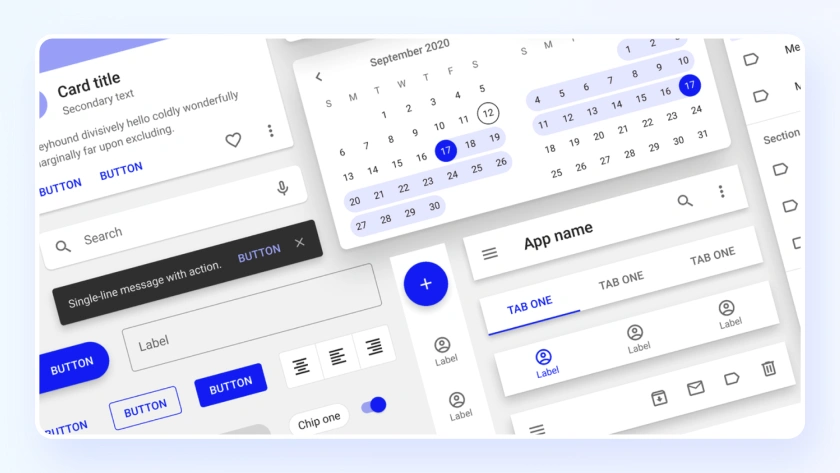
Your web designer crafts the intended experience, and the developer uses this as the blueprint to build the site. This finalized design includes UI elements like buttons and forms, color palettes and typography, and visual assets such as icons and images.
Develop the Site
Front-end developers bring the design to life. They build the visual elements, arrange the layout, and implement interactive features exactly as specified. Developers also ensure the site looks consistent across different devices and browsers, providing a user-friendly experience.
Back-end developers power the site behind the scenes. They handle data management, implement server-side logic, and maintain smooth site operations. Their work transforms the static layout into a fully functional, responsive website.
Depending on your needs, your team may develop the front and back end simultaneously or separately. Doing the back end first is great for data-heavy sites (like e-commerce stores) where you’re managing things like permissions and payments. On the other hand, building the front end first is better for UX-focused efforts like marketing campaigns.
Test and Optimize
After development, thoroughly test the website to ensure all features work as intended. Check functionality, responsiveness, and compatibility across different devices and browsers. Use analytics and user feedback to identify areas for improvement. Then, optimize performance, loading speed, and usability to create a reliable experience for your visitors.
How To Build an E-Commerce Site Without a Web Designer or Developer
Building a successful website once required specialized knowledge or hiring expensive staff. Fast forward to today, and a wide range of user-friendly options lets you create a site without writing a single line of code.
If your project needs complex features or fine-grained customization, it might be best to call in the pros. Otherwise, one of these no-code options can get the job done:
- Drag-and-drop tools: Some software lets you create websites by dragging and dropping page elements wherever you want. This allows you to customize the look and feel of your site with flexibility.
- Pre-made templates and themes: Content management systems provide huge libraries of themes and plugins. They offer an easy setup with minimal effort but limited customization options.
- AI-powered website creators: AI tools generate websites simply by describing what you need. You can iterate and tweak your prompts until your site matches your vision.
These tools are great on their own, but if you want one platform that can handle everything—and more—Genstore does it all in one place. It’s the number-one choice for busy content creators and side hustlers who want the ease of AI tools with high-quality results.
Our Design Agent merges the skills of designers and developers in a single package. You can generate brand-aligned e-commerce stores, landing pages, and other website features in moments. Plus, create multiple landing page variations and refine them quickly—all without writing a single line of code. This approach streamlines website design and development while giving you control over creative results.
Bringing Web Design and Web Development Together With Genstore
Web design and web development are the two essential pieces of the puzzle that turn an idea into a fully functional website. Understanding the difference helps you find the right people to make your vision a reality.
But traditional paths can be costly and time-consuming. Genstore brings these worlds together, letting businesses and individuals create high-quality websites without needing specialized design or programming skills.
Start your project with Genstore today to see how easy it can be to turn ideas into polished, high-performing websites.
FAQ
What Are Some Current Trends in Web Design?
Some of the latest web design patterns include:
- Animation
- Bold typography
- Grids
- Moving type
- Large footer sections
- Minimalist layouts
What Are the Key Components of Visual Design in Web Design?
Visual elements are the building blocks of every design asset. They include:
- Lines
- Shapes
- Colors
- Textures
- Typography
- Space
Does Web Design Need Coding?
No. Web designers focus on visual design, which doesn’t require programming skills. Web developers take these designs and write the code that makes them functional.