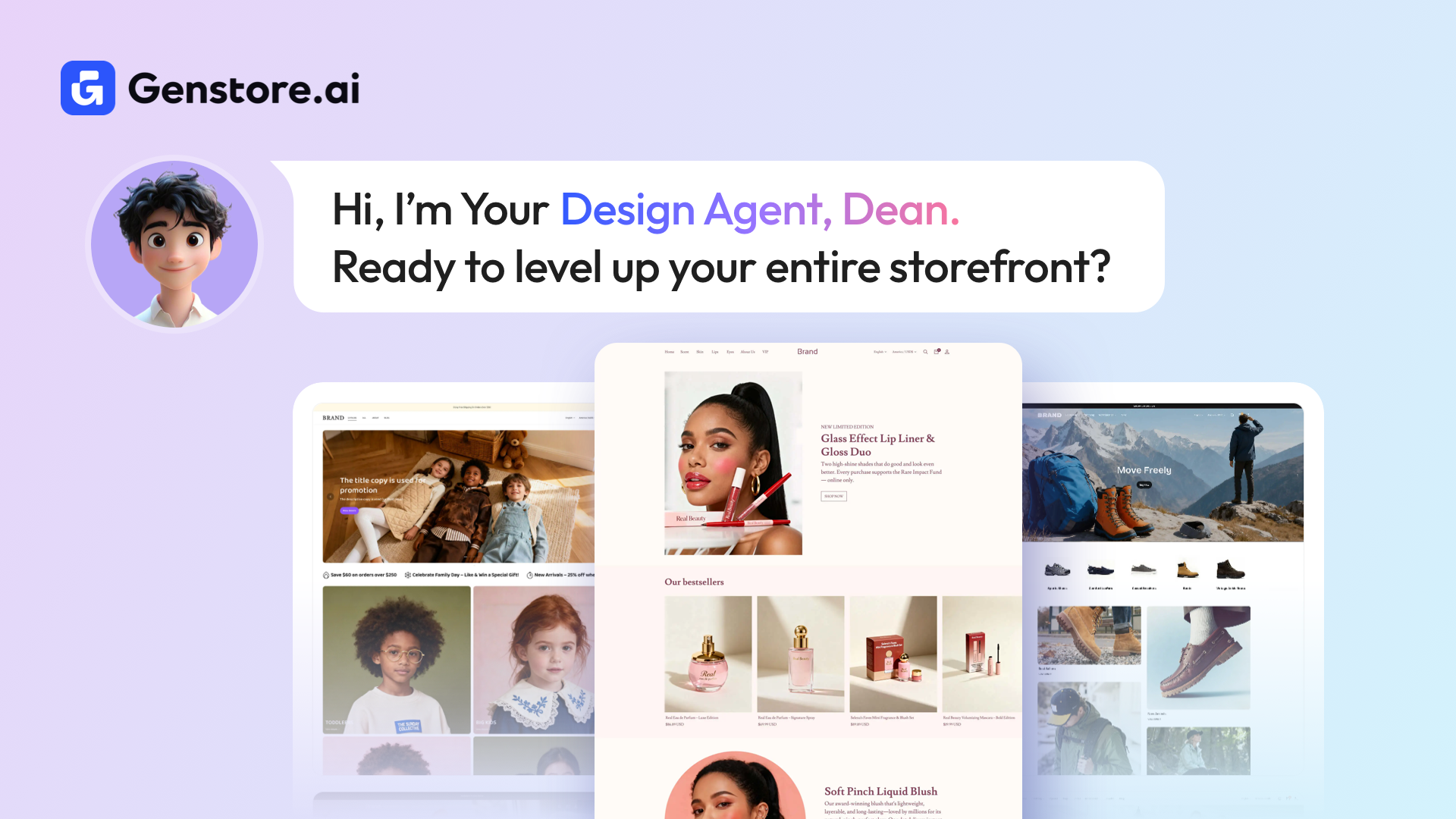
Designing an online store is often one of the biggest challenges for new merchants. Many people know exactly what they want their brand to feel like, yet struggle to translate that vision into a clean, professional storefront. Finding the right theme, adjusting layouts, or making your homepage look “just right” can take hours. For some, it becomes the reason they delay launching altogether.
Genstore’s Design Agent, Dean, is created to remove that frustration. Instead of navigating complex design tools, you can simply describe the style you want. The agent handles the visuals, layout, and structure so you can focus on your products and customers.
To get started with Genstore, you can create your store at any time.
What the Design Agent Helps You Solve
The Design Agent focuses on making design simple, approachable, and stress free. Its core abilities include:
● Theme Customization
Helps you apply and adjust themes so your storefront matches the brand image you want to build.
● Visual Asset Management
Supports images, banners, and layout components to create a cohesive and good looking homepage.
● User Experience Improvements
Helps arrange sections and navigation in a way that feels clean, familiar, and easy for shoppers.
Whether you are a creator, a new dropshipper, or someone taking your first step into ecommerce, the Design Agent gives you a straightforward path to a professional website without needing design or technical expertise.
If you ever need step by step help, you can always check our Help Center.
What’s New: Smarter Tools for Faster Store Design
Our latest update brings several improvements that make it even easier to shape your storefront. You can now fine tune your homepage, restyle your store with a single reference image, or switch themes directly from the chat.
Polish Your Store in Your Preferred Style
If the preset theme does not match your brand vision or you want your store to look more specific to your niche, the Design Agent can now restyle your homepage based on your description or a picture you provide. The process is guided and beginner friendly.
How it works
1. Click "AI Customization" and choose "Design Store", or type “I’d like to design my store” in the chat.
You will see three options: AI Homepage Design, Change Theme, and Customize.
2. Select "AI Homepage Design". You can describe your preferred look or upload an image of a storefront you want to reference.
3. The Design Agent will generate a design requirements summary for you. Review the details and adjust anything you want.
When you are satisfied, click "OK, Continue". It may take a short moment to complete your homepage polish.
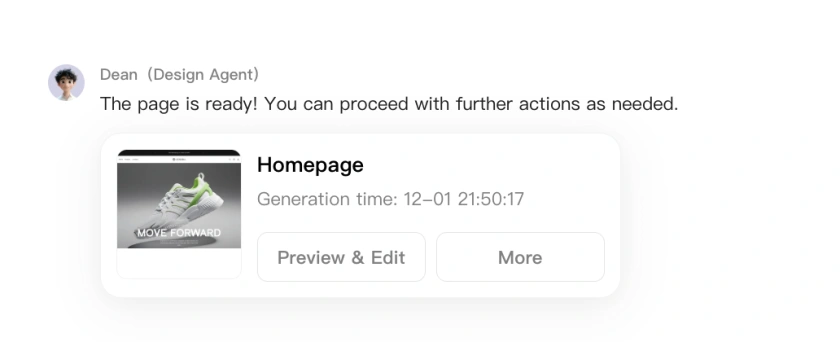
4. After your homepage is ready, choose "Preview & Edit", or use the "More" menu to publish, save as draft, or remove the design.
Change Your Theme Directly in the Chat
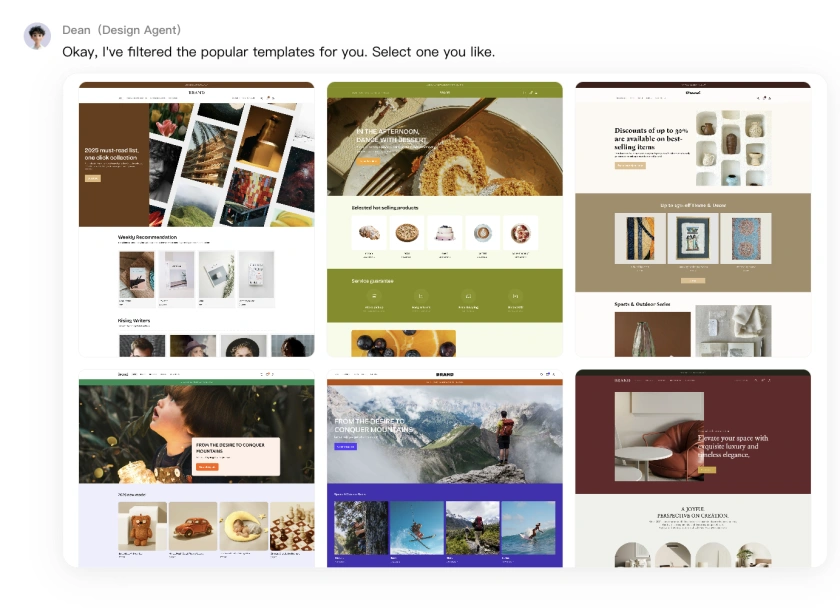
Switching themes is now much quicker. Instead of browsing multiple menus, you can select and apply themes within the same conversation.
To change your theme
1. Click "Change Theme" under "AI Customization", or type “I’d like to change my store theme” in the chat.
2. Browse the available themes. Hover over a preview image and click "Select" when you decide.
3. Once the theme is installed, you can choose "Preview", "Customize", "Publish", or "Restart" depending on how you want to continue.
Start Designing Your Store Today
These updates are part of our ongoing work to make Genstore simple, friendly, and supportive for every merchant. We encourage you to try the new Design Agent features and explore different styles to find the one that fits your brand.
If you have ideas or feedback, we would love to hear from you. You are welcome to reach out through contact@genstore.ai share your thoughts and help shape future improvements.
Ready to build your store? Try Genstore now!